
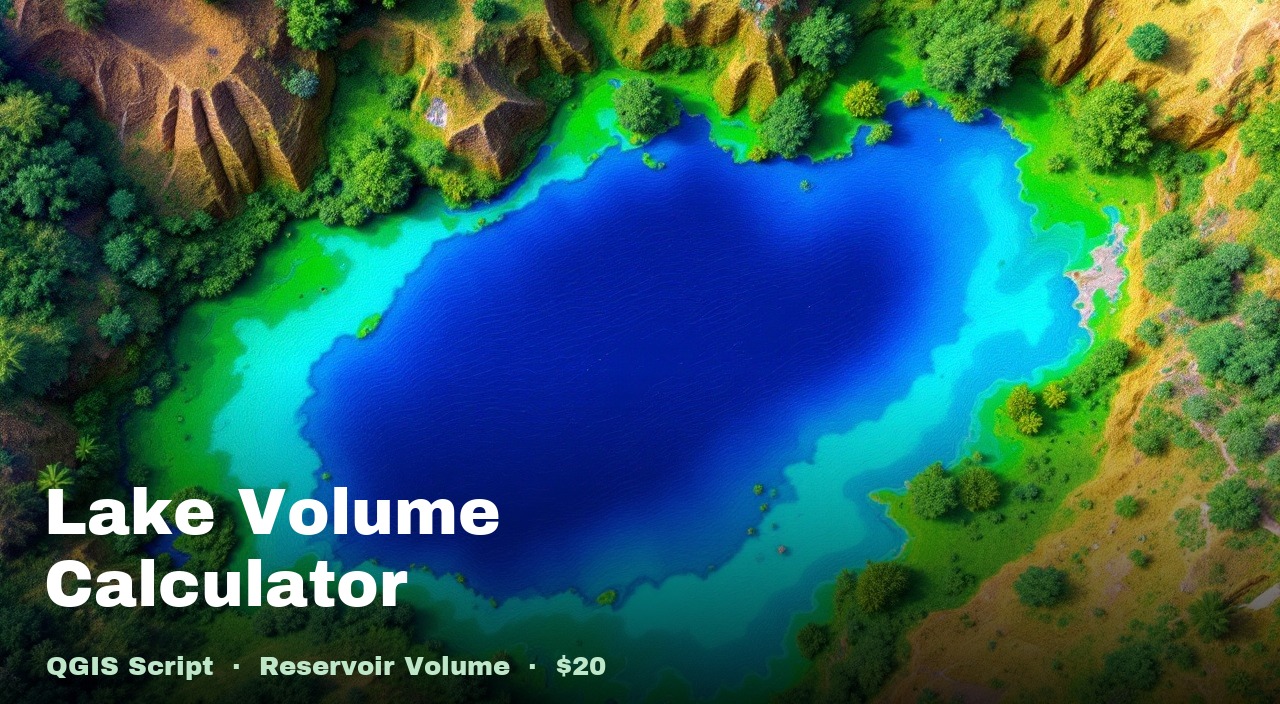
QGIS Script · Python
Lake Volume Calculator
Computes the water storage volume of a lake or crater from a boundary polygon and DTM raster. Reports cubic metres, litres, and acre-feet. Also exports a depth raster showing how deep each pixel is relative to the inferred water surface.
What you get
calculate_lake_volume.pyWhat it does
Volume in three units
Reports water storage capacity in cubic metres, litres, and acre-feet — all in a single text report file.
Boundary reference surface
Derives the reference water surface by interpolating DTM elevations along the polygon boundary, not a fixed flat plane.
Depth raster output
Exports a depth raster styled red → green showing how deep each pixel is relative to the reference surface, loaded into the QGIS project.
Polygon + DTM inputs
Takes any polygon layer as the lake boundary and any DTM raster — no special preprocessing required.
How to use it
- 1
Load your DTM raster into QGIS. Layer name must contain
dtm. - 2
Load your lake boundary polygon layer and click it to make it the active layer.
- 3
Check (tick) the DTM raster in the Layers panel.
- 4
Open Plugins → Python Console → Show Editor.
- 5
Paste the script and click Run.
Requirements
- QGIS 3.28 or newer
- numpy, rasterio — bundled with QGIS
- Active polygon layer defining the lake boundary
- DTM raster — layer name contains "dtm"
Also in the Terrain Analysis Pack
Get all 6 terrain scripts for $35 — save $15 vs buying individually.