
QGIS Script · Python
Smooth Contour Generator
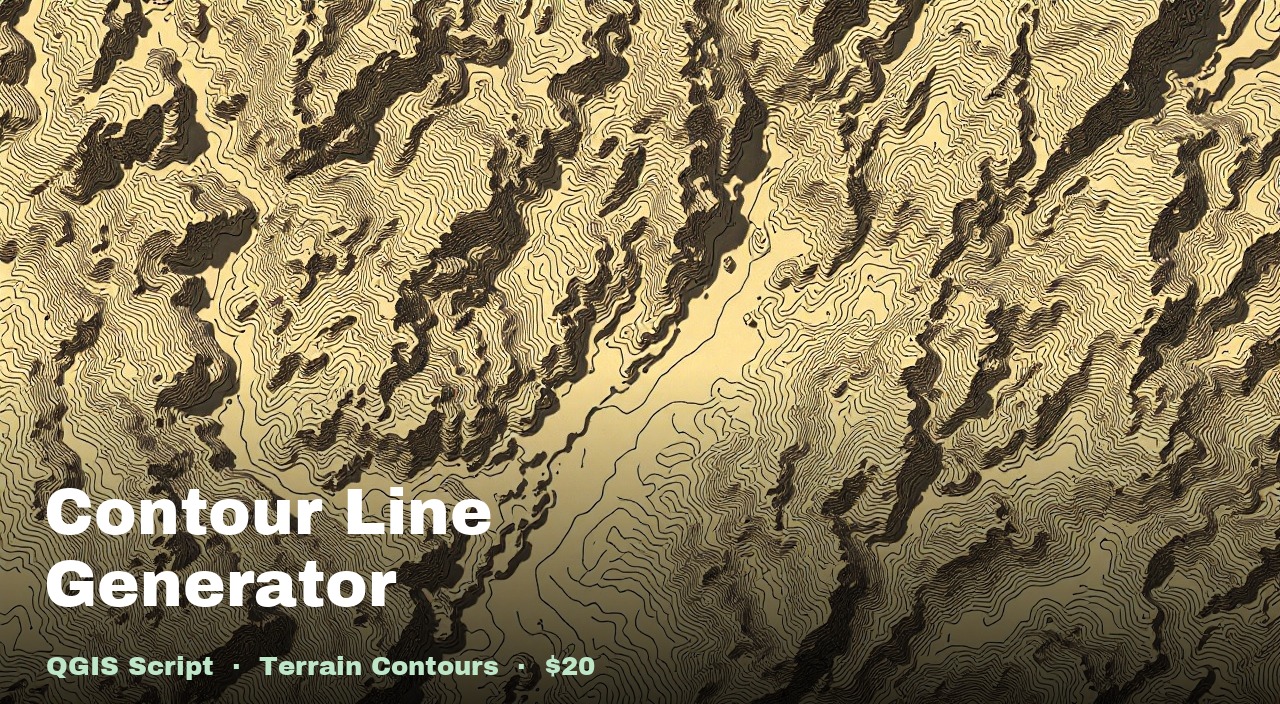
Generates smooth, cartographic-quality contour lines from a drone DTM. Applies Gaussian smoothing to remove the faceted mesh artefact, then smooths the lines with Chaikin's algorithm. Major contours are labelled with elevation in metres.
What you get
generate_contours.pyWhat it does
Gaussian smoothing
Applies a Gaussian filter to the DTM raster before contouring, removing the triangular mesh artefact common in drone photogrammetry outputs.
Chaikin's line smoothing
Smooths the contour lines themselves by iterative corner-cutting, removing the stepped polygon appearance of raw QGIS contours.
Major/minor styling
Every Nth contour is drawn thicker and labelled with its elevation in metres. Minor contours are drawn thin.
Configurable interval
Set any contour interval in metres and choose how often major (labelled) contours appear.
How to use it
- 1
Load your DTM raster into QGIS. Layer name must contain
dtm. - 2
Check (tick) the DTM in the Layers panel.
- 3
Open Plugins → Python Console → Show Editor.
- 4
Paste the script. Set
interval(metres between contours) andmajor_interval(every Nth is thick and labelled). - 5
Click Run.
Requirements
- QGIS 3.28 or newer
- numpy, scipy, osgeo.gdal — bundled with QGIS
- DTM raster — layer name contains "dtm"
Also in the Terrain Analysis Pack
Get all 6 terrain scripts for $35 — save $15 vs buying individually.